
Your cart is currently empty.
White Horse Vapor
What Is Pulse Mode on the Geek Bar Pulse? Full Feature Walkthrough
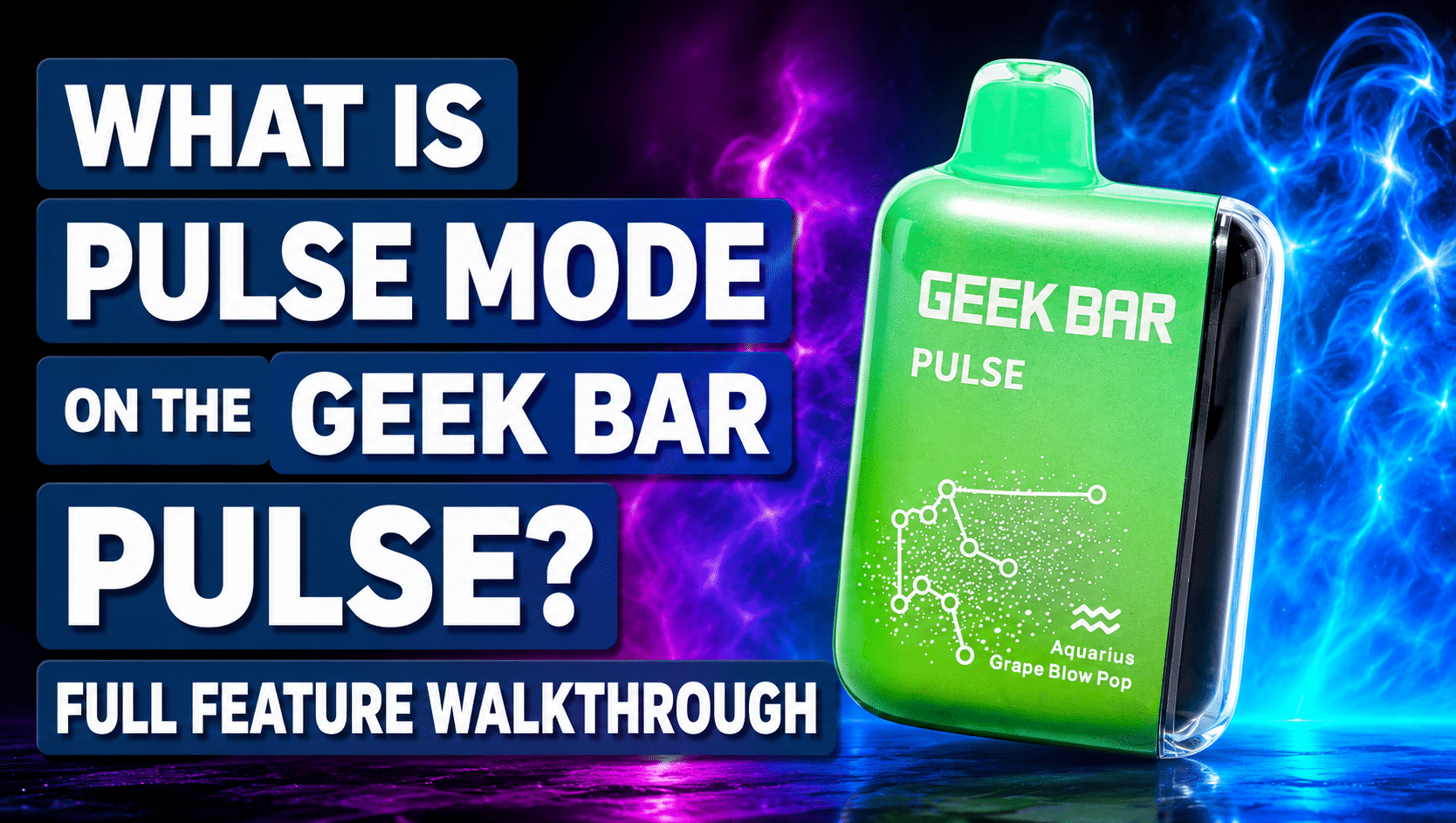
Understanding pulse mode geek bar technology helps you get the most out of one of the most talked about features on modern disposable vapes. If you are looking to experience this feature firsthand, you can buy geek bar pulse online and see how it changes your vaping experience. This guide breaks down exactly what Pulse Mode is, how it works, and how it compares to the standard setting, so you know exactly what to expect. As with all electronic nicotine delivery systems, these devices are regulated by the FDA and are intended for adult vapers only.
What Is Pulse Mode on the Geek Bar Pulse
Pulse Mode is one of the standout features that sets the Geek Bar Pulse apart from earlier disposable vape models.
Put simply, pulse mode geek bar technology is a higher power setting that changes how the device delivers vapor with every draw. Instead of running at one steady output, the device shifts into a more intense mode designed to boost flavor and vapor volume. This feature was introduced to give vapers more control over their experience, rather than being limited to a single fixed setting.
- A built-in high power vaping mode
- Designed to intensify flavor and vapor output
- Available as a toggle option on the device
- A defining feature of the Pulse series
Because this feature is built directly into the hardware, no extra setup is needed beyond switching the mode.
How Pulse Mode Works Inside the Device
Behind the scenes, Pulse Mode relies on the device’s dual mesh coil design to create its signature effect.
In standard mode, the Geek Bar Pulse typically uses one coil at a time, alternating between the two with each puff. When Pulse Mode is switched on, both coils fire together, which increases the wattage delivered to the e-liquid. This dual coil approach is what allows the device to produce a noticeably denser cloud and a more pronounced throat hit compared to the regular setting.
- Uses both mesh coils simultaneously
- Increases the wattage sent to the coil
- Heats the e-liquid more intensely per puff
- Creates a fuller, more immediate vapor release
This coordinated coil activity is the core mechanism that makes Pulse Mode feel so different from standard use.
Pulse Mode vs Regular Mode: What Changes
Comparing the two settings side by side makes it easier to understand why some vapers prefer switching between them.
With pulse mode geek bar activated, flavor tends to feel more intense, vapor clouds appear thicker, and the throat hit becomes noticeably stronger. Regular Mode, on the other hand, offers a steadier, milder draw that conserves e-liquid and battery life more efficiently. Because both modes serve different purposes, many users switch between them depending on the moment.
- Pulse Mode: stronger flavor, denser vapor, bolder hit
- Regular Mode: smoother draw, longer lasting e-liquid
- Pulse Mode uses more power per puff
- Regular Mode is generally better for extended, steady use
Knowing these differences helps you choose the right setting for each situation.
When to Use Pulse Mode
Pulse Mode is not meant to replace Regular Mode entirely, but it shines in certain situations.
Many vapers reach for Pulse Mode when they want a stronger, more satisfying hit, such as after a long day or when craving bolder flavor. Because it consumes e-liquid more quickly, it tends to work best as an occasional boost rather than a constant setting throughout the day.
- After a long stretch without vaping
- When craving a more intense flavor experience
- For special moments where a stronger hit is preferred
- As an occasional change of pace from Regular Mode
Using it thoughtfully helps you enjoy the benefits without running through the device too quickly.
How Pulse Mode Affects Puff Count and Battery Life
Every added intensity comes with a trade-off, and pulse mode geek bar use is no exception.
Because Pulse Mode fires both coils together, it draws more power and vaporizes e-liquid faster than Regular Mode. This generally means a reduced overall puff count and a battery that drains more quickly when the feature is used often. Understanding this trade-off helps set realistic expectations about how long the device will last under different usage patterns.
- Higher e-liquid consumption per puff
- Faster battery drain during extended use
- Reduced total puff count compared to Regular Mode
- Best balanced with occasional, rather than constant, use
Being mindful of this balance helps you enjoy Pulse Mode without unexpected surprises.
How to Switch Between Modes
Switching between Pulse Mode and Regular Mode is designed to be simple and accessible right on the device.
Most Geek Bar Pulse devices include a toggle switch or button that lets you shift settings in just a couple of seconds. If you are new to the device, checking with a reputable online vape store for setup guidance can help you get comfortable with the controls quickly.
- Locate the toggle switch or button on the device
- Press or hold as indicated to switch modes
- Watch for a screen or light change confirming the switch
- Switch back to Regular Mode the same way, anytime
Once you get the hang of it, moving between modes becomes second nature.
Tips for Getting the Most Out of Pulse Mode
A few simple habits can help you enjoy Pulse Mode while keeping your device performing well.
Taking slower, steady draws rather than rapid back to back puffs allows the coil to stay saturated properly, which helps avoid a harsh or burnt taste. Alternating between Pulse Mode and Regular Mode throughout the day can also help balance flavor intensity with overall device longevity.
- Take slower, more deliberate draws in Pulse Mode
- Alternate modes to manage e-liquid and battery use
- Avoid chain vaping in Pulse Mode for the best flavor
- Monitor battery and e-liquid indicators regularly
These small adjustments can make a noticeable difference in your overall experience.
Who Pulse Mode Is Best For
Not every vaper will use Pulse Mode the same way, and that is part of what makes it such a flexible feature.
Whether you are new to disposable vapes or already experienced, pulse mode geek bar technology offers something for different preferences. Beginners may enjoy exploring the stronger hit occasionally, while more experienced vapers often appreciate the added control it gives them over their session.
- Great for those who enjoy bolder flavor occasionally
- Useful for vapers who like adjusting intensity throughout the day
- Suitable for both new and experienced users
- A flexible option rather than an all or nothing setting
This flexibility is a big part of why the feature has become so popular.
Frequently Asked Questions
Does Pulse Mode use more e-liquid than Regular Mode? Yes. Because both coils fire together, Pulse Mode vaporizes e-liquid faster, which generally reduces the total puff count compared to Regular Mode.
Can I switch between Pulse Mode and Regular Mode anytime? Yes. Most devices allow you to toggle between the two modes at any point, so you are never locked into a single setting.
Is Pulse Mode available on all Geek Bar Pulse devices? Pulse Mode is a defining feature of the Pulse series, though exact controls can vary slightly between specific device models.
Will using Pulse Mode damage the coils? The dual mesh coil design is built to handle Pulse Mode use, though taking slower draws helps maintain the best flavor and performance over time.
Final Thoughts
Pulse Mode adds a meaningful layer of customization to the vaping experience, offering a stronger hit and bolder flavor whenever you want it. Understanding how pulse mode geek bar technology works, from its dual coil design to its effect on battery and puff count, helps you use it more effectively. Balancing Pulse Mode with Regular Mode gives you the best of both worlds, without sacrificing overall device performance. If you have any questions about getting started, contact us now and our team will be happy to help.